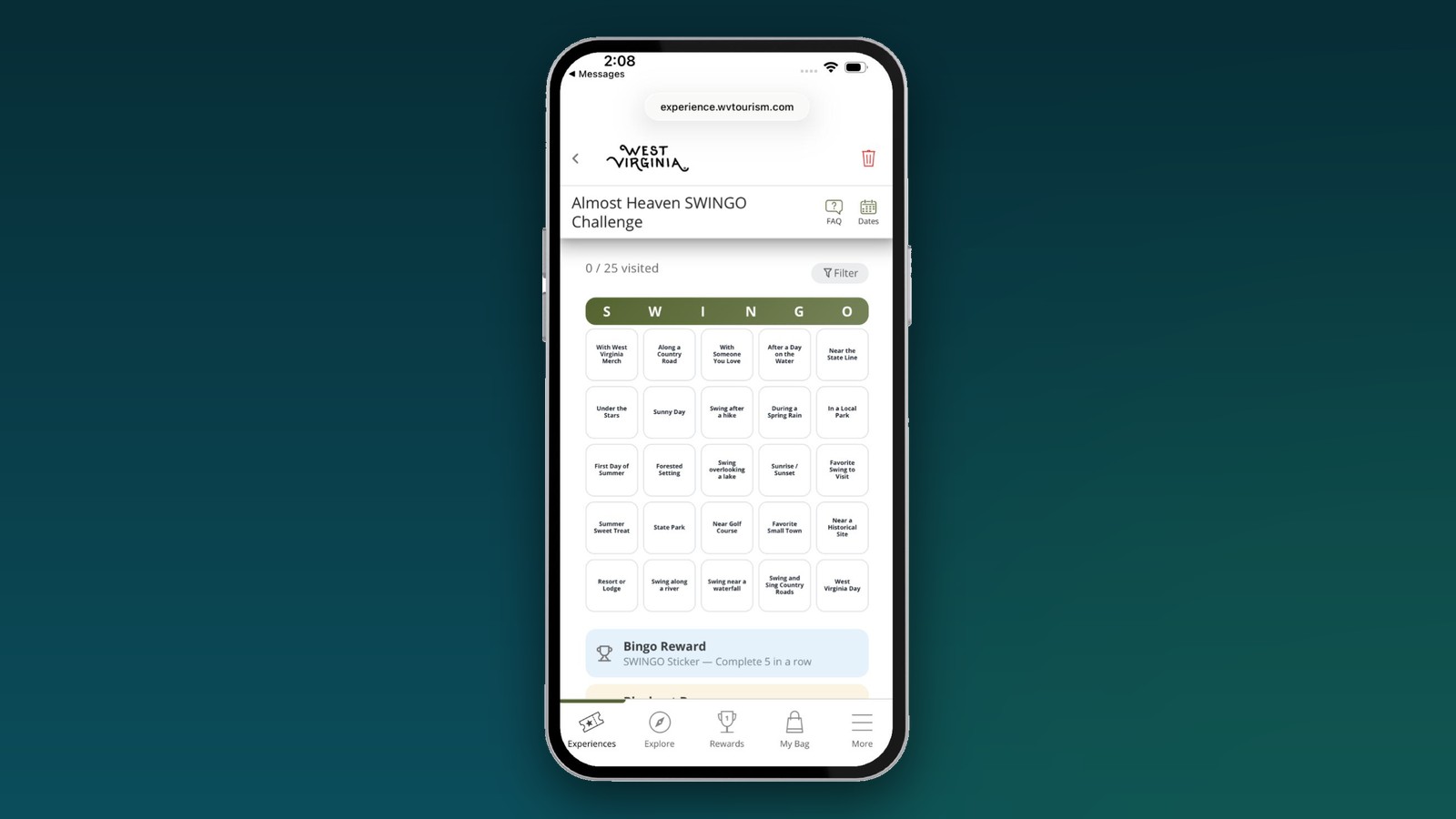
Turn your pass into a game of bingo. Bingo Passes give every passholder their own card of places or themes to check off, with prizes for each bingo and a bigger one for filling the whole card. And you can now build one yourself in Experience Builder.
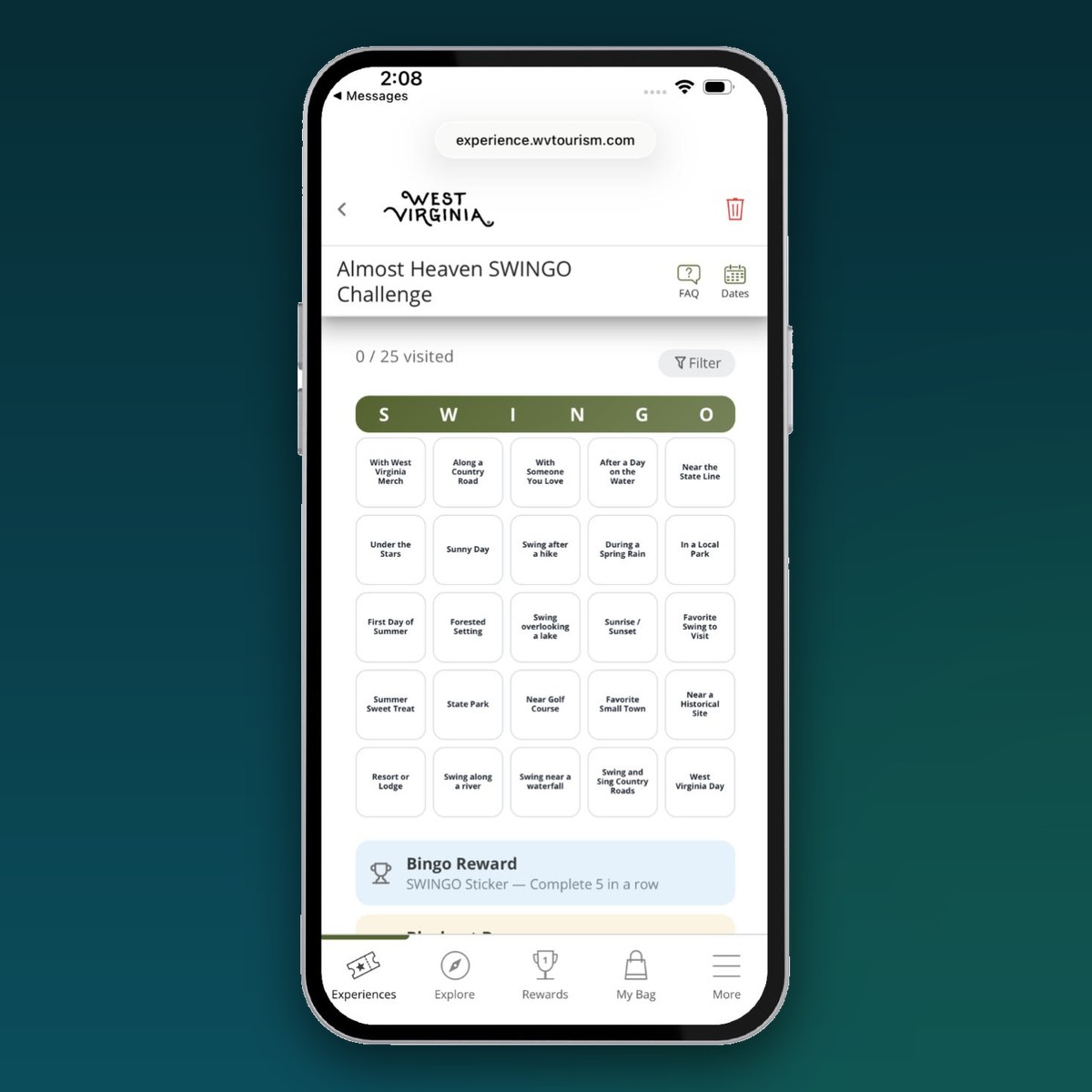
A regular pass asks visitors to check off a list. A Bingo Pass asks them to plan a route. Each square is a place or a theme, every check-in marks a square, and five in a row earns a prize. It's simple to understand and hard to put down.
What you can do
- Size the card. Choose a 3×3, 4×4 or 5×5 card, add an optional free middle square, and swap the word across the top for your own (up to 10 letters, like SWINGO).
- Squares as places or themes. In Places mode, each square is one place. In Categories mode, each square is a theme, like "Breweries" or "Sunset view," and checking in at any matching place marks it off. Show category squares as names or as images.
- A different card for everyone. Each passholder gets their own shuffled card, so no two people chase the same route.
- Squares with a schedule. Give a category active or blackout dates, so a "Festival day" square is only available that weekend.
- Prizes for every milestone. Reward bingos and a full-card blackout. Points are optional, and passholders can see the prizes waiting for them in their Rewards tab from day one.
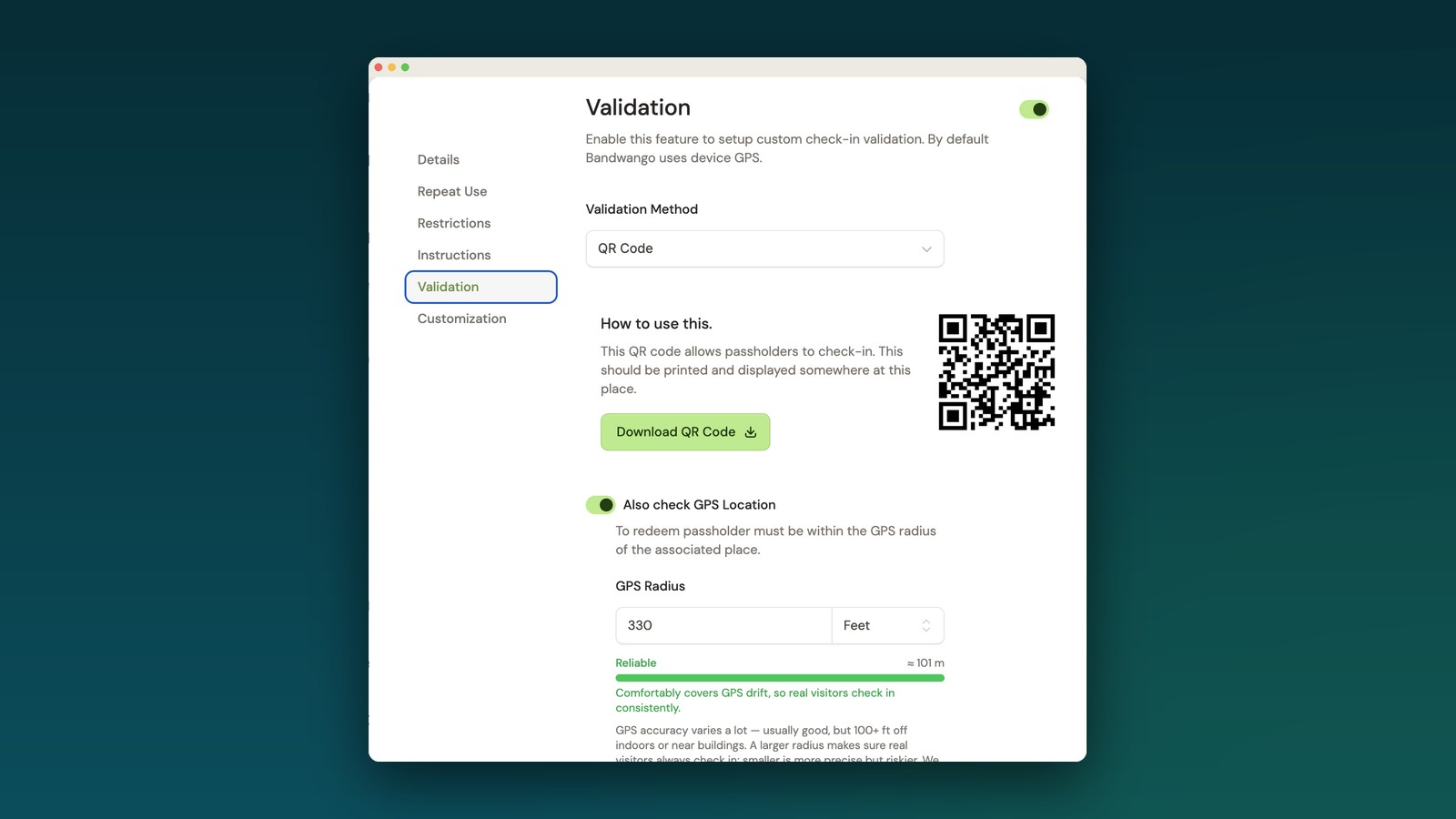
- Check-ins you can trust. Squares use the same check-in validation as your other gamified passes: GPS, PIN, QR code or quiz.
Why it matters: Filling a card means visiting a lot of different places, not just the most popular one. Bingo spreads visits across your destination and gives people a reason to come back until the card is done.
How to get started
- Create a new pass and choose Bingo.
- Add your check-in activities. You'll need at least enough to fill the card (for a 5×5 card with a free square, that's 24).
- On Bingo Card, pick the size, the free square, your header word and Places or Categories mode.
- On Prizes, choose the bingo and blackout prizes.
- Publish. The builder's checklist flags anything missing first, like a place without a category.
Tip: Categories mode works best with themes that have several matching places, so passholders have options for every square.
Find it: Passes › New pass › Bingo
See it in the wild
Want help designing your first card? Reach out to your Partner Success Specialist.